CD-IELTS Listening: How the Interface Works and How to Practice for It
Of the three computer-based sections, Listening is the one where the format change is least visible and most consequential. Reading gets a highlighter. Writing gets a word counter. Listening just quietly removes something you relied on for years: the ten-minute answer-transfer period. If you only read one section of the complete guide to computer-delivered IELTS, make it this one.
How Listening actually works on screen.
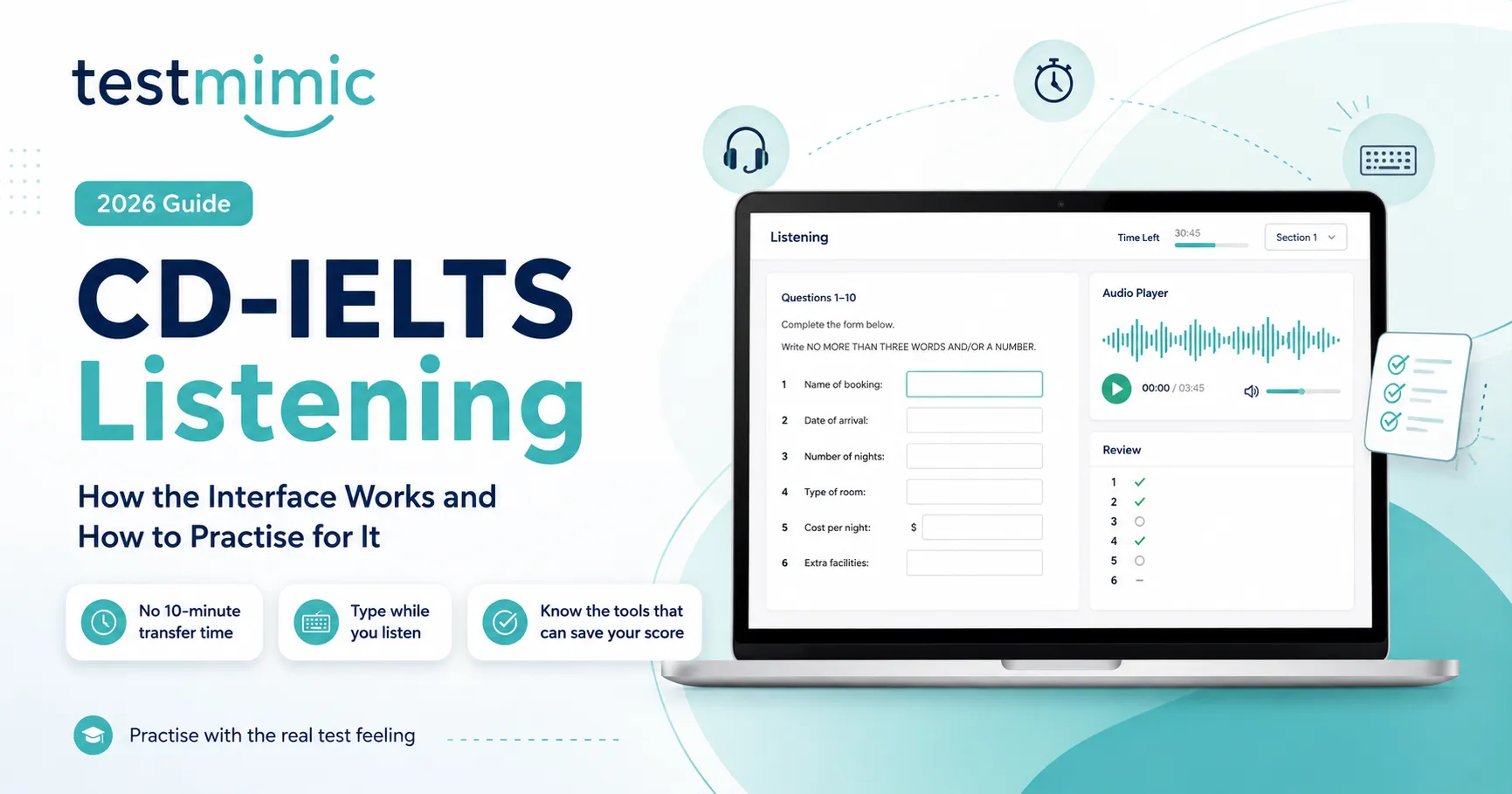
You wear headphones and control your own volume - a genuine improvement over shared-room speakers from the paper era. The audio plays once, exactly as before: four sections, increasing in difficulty, moving from an everyday conversation to an academic lecture.
As the audio plays, you type or select your answers directly into fields on the screen, using whichever question format the task calls for - typing a word, selecting from options, or dragging an answer into place. A navigation panel at the bottom shows all questions in the current section, and you can move between them, though in Listening you're generally working question-by-question in sync with the audio.
At the end of the recording, you get a short review window -around one to two minutes - to check your answers. That is it. There is no ten-minute transfer period.
The change that actually matters: no transfer time
On paper, you wrote answers in your question booklet as you listened, in pencil, often abbreviated or messy, and then used a dedicated ten-minute block at the end to copy everything neatly onto the answer sheet - fixing spelling, reconsidering unclear answers, filling gaps from memory.
On computer, your typed answer is the final answer, the moment you type it. There is no copying step, because there is nothing to copy to - you already typed directly into the scored field. The one-to-two-minute review at the end is for double-checking, not for building.
This has three practical consequences:
Spelling must be correct in real time. A misspelled word is not a note to fix later; it is graded exactly as typed, with only a brief window to catch it.
You cannot mentally "save up" answers and rush them all in at the end. Each answer needs to land while its section is still fresh.
Typing accuracy under audio pressure is now a trainable skill in its own right - not the same as typing an essay, because you are producing short answers while simultaneously processing spoken language.
Tools available during Listening
Individual headphones with your own volume control.
A digital notepad, available across sections, useful for jotting names, numbers, or partial answers you'll confirm moments later.
A navigation/flagging system to mark a question you're unsure about, though in Listening the audio pace limits how much you can jump around compared with Reading.
The on-screen timer, visible throughout, so you always know how much of the section remains.
Note: unlike Reading, you cannot highlight text in Listening - there is no passage to highlight, since you're working from audio and question prompts.
Most test centres provide a sheet of scratch paper and a pencil for rough notes, which is collected at the end of the section - useful for capturing numbers or names before typing them into the answer field.
A practice routine that actually converts
Traditional Listening practice - play audio, pause, write answer, check against an answer key - does not train the specific skill this format demands. Here is a routine that does:
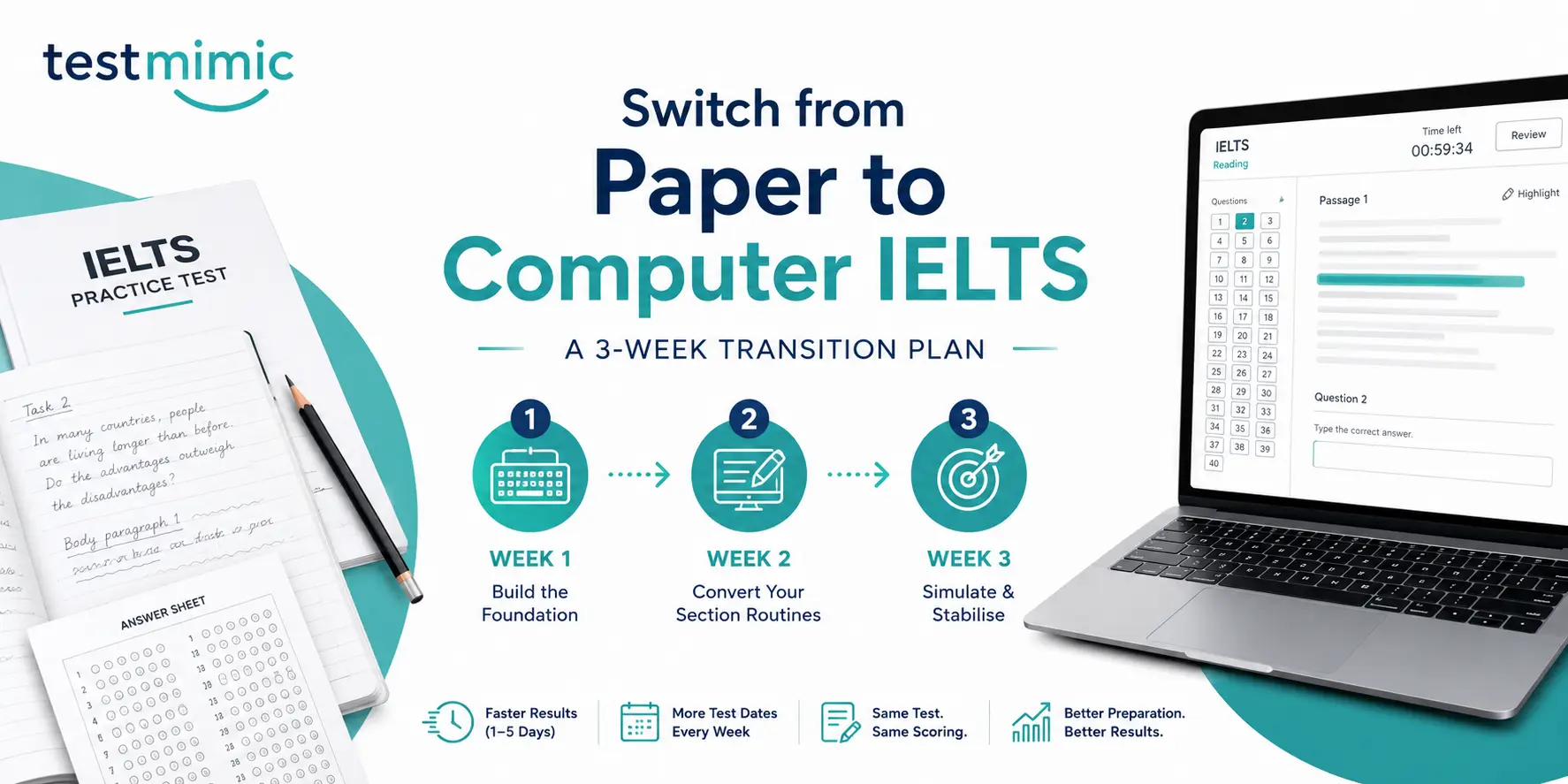
Weeks 1-2: Build typing-while-listening as one motion. Practise past Listening papers, but instead of writing answers on paper, type them directly into a blank document while the audio plays, with no pauses. Do not allow yourself extra time at the end beyond one to two minutes to check. This single change is the highest-value adjustment you can make.
Weeks 2-3: Drill spelling under time pressure. Many Listening answers are names, places, or technical terms. Build a personal list of commonly misspelled words from your practice sessions, town names, numbers written as words, technical vocabulary, and drill typing them quickly and correctly. A single spelling slip that would have been fixed in ten minutes on paper now costs the mark outright.
Ongoing: Take full sections under real conditions. Headphones on, no pausing, typing directly into a form-style interface if you can find one, only the one-to-two-minute review at the end. If you're using a platform that replicates the actual on-screen format, including the review window and question types, that is significantly more useful than generic audio-and-answer-key practice, because it trains the combined skill, not the listening skill in isolation.
How this fits the bigger picture
Listening is one piece of a format shift that also changed Reading and Writing. If you originally trained on paper, this is exactly the kind of habit our three-week paper-to-computer transition plan is built to fix, section by section.
The fastest way to know whether your Listening habits have actually converted is a full mock test in the real interface, not a Listening audio file with a PDF answer key, but the format itself: headphones, typed answers, the one-to-two-minute review, no transfer time. TestMimic's computer-delivered mock tests replicate exactly this, with feedback showing where your Listening performance is being held back by format friction rather than comprehension. Take a free mock test and find out which one it is.
Frequently asked questions
Do I get 10 minutes to transfer Listening answers on computer-delivered IELTS? No. You type your answers directly into the scored fields as the audio plays. At the end, you get a short review window of around one to two minutes, there is no separate transfer period.
Can I highlight text during the Listening section? No. Highlighting is available in Reading, where there is a passage on screen. In Listening, you are working from audio and question prompts, so there is nothing to highlight.
Am I given paper to take notes during Listening? Most test centres provide a sheet of scratch paper and a pencil, collected at the end of the section, useful for jotting numbers or names before typing your final answer.
Does typing slow me down in Listening compared to writing by hand? For most candidates, no, typing a short answer is generally faster than handwriting one. The challenge is not typing speed itself but producing an accurate typed answer while simultaneously listening, which is a distinct skill worth practising directly.
Is Listening harder on computer than on paper? The audio and questions are identical. What changed is the removal of transfer time, which raises the cost of a real-time spelling mistake. Candidates who practise typing-while-listening specifically tend to perform at the same level as they did on paper, or better.
What happens if I mishear an answer, can I go back and fix it later? Only within the short review window at the end of the section, and only if you can recall the correct answer. There is no extended period to reconsider uncertain answers as there was during the paper transfer time.